Introduction
Collaboration is critical to creating functional, visually appealing, and user-friendly websites in web design. Whether you’re working with other designers, developers, or content creators, seamless collaboration ensures the design vision is realized without technical hiccups or miscommunications. However, bridging the gap between creative design and technical development can sometimes be challenging. To make collaboration smoother, you need the right tools and strategies in place.
Here’s a guide on collaborating effectively in web design, ensuring everyone—from designers to developers—is on the same page.
- Choose the Right Collaboration Tools
Using the right tools can make all the difference in how efficiently a design project progresses. Here are a few must-have tools for design collaboration:
Figma: One of the most popular design tools, Figma allows multiple designers to work on the same file in real time. It also includes collaboration features like comments, version history, and sharing prototypes with developers.
InVision: InVision is a prototyping tool that allows designers to create interactive mockups and share them with clients or team members for feedback. It also integrates with tools like Sketch, Adobe XD, and Figma.
Slack: Communication is critical in collaboration, and Slack is one of the best platforms for keeping team discussions organized. You can create channels for specific projects, share files, and integrate them with other tools like Google Drive or Trello.
Trello or Asana: Project management tools like Trello and Asana help teams stay organized. You can create task boards, assign tasks to different team members, set deadlines, and track progress to ensure the project stays on schedule. - Establish Clear Communication from the Start
Clear communication between designers and developers is essential to avoid misunderstandings and errors. Regular check-ins through Slack, email, or video calls can help keep everyone aligned on design goals and technical requirements.
Tip: When discussing the project with developers, be clear about the design’s purpose, technical limitations, and user experience goals. They may need to know about design aspects affecting performance or require additional coding work. - Create Detailed Design Documentation
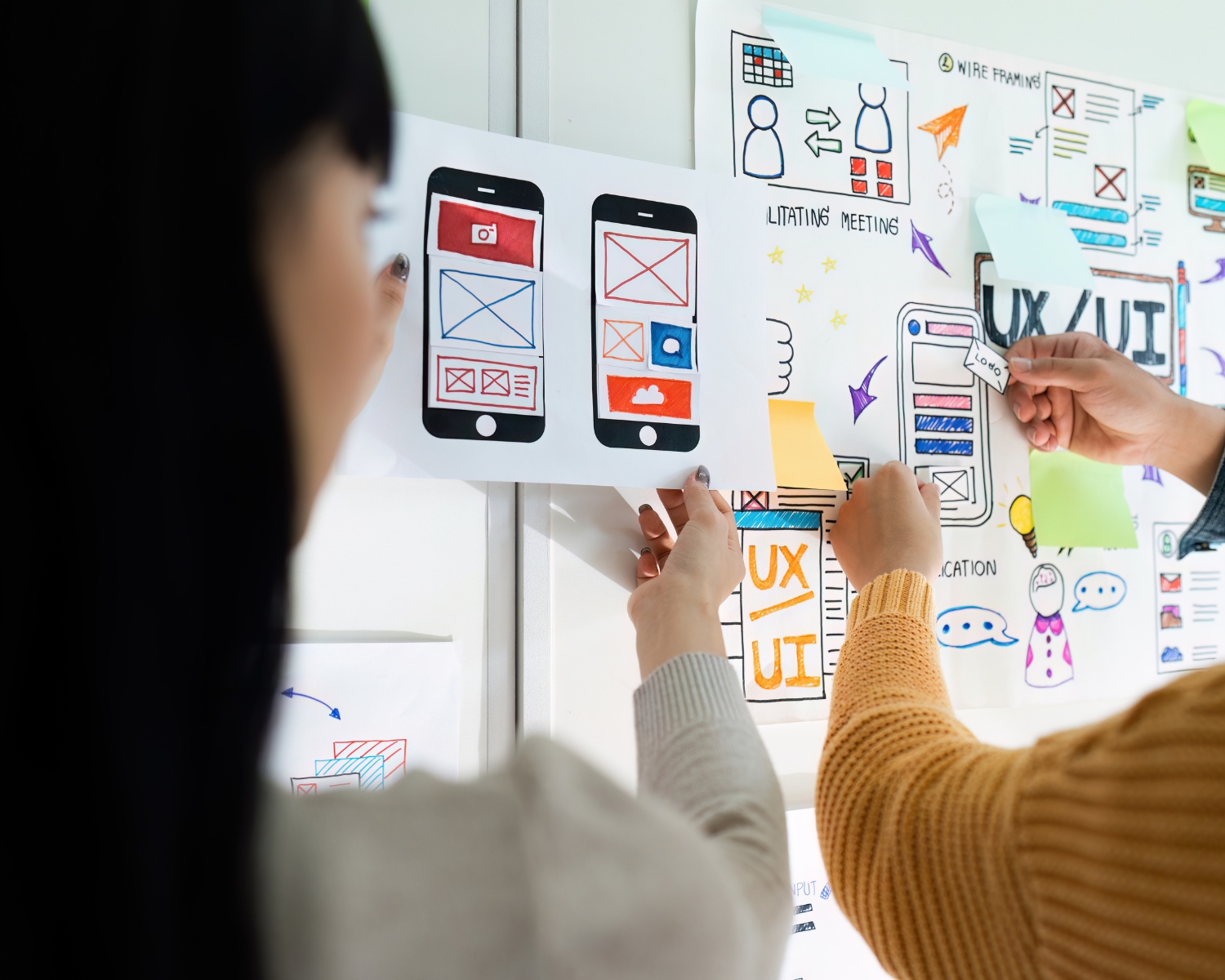
Providing developers with clear design documentation—such as style guides, color schemes, fonts, and component behavior—ensures that the website’s vision is accurately translated into code. Design handoff tools like Zeplin can automatically generate style guides and offer design specifications, making the process smoother. - Iterate Together and Share Feedback
Collaboration is an ongoing process. Involve developers early in the design phase to get technical feedback on feasibility and be open to adjusting designs based on their input. This iterative approach reduces the need for last-minute fixes and ensures that the final product functions smoothly.
Conclusion
Effective collaboration between designers and developers is essential for creating successful websites. By leveraging the right tools, establishing clear communication, and maintaining an iterative workflow, you can bridge the gap between design and development and produce high-quality results that meet both creative and technical goals.
#WebDesignCollaboration #TeamworkInDesign #DesignTools #Figma #WebDevelopment #CollaborativeDesign #UXDesign #DesignTips #DesignerDeveloperCollab #WebDesign